
You can try out different API requests in the Hevo API to check their responses. You need to provide your authentication credentials when you try out any endpoint for the first time.
When you click Try It!, the response is displayed based on the request parameters you provide.
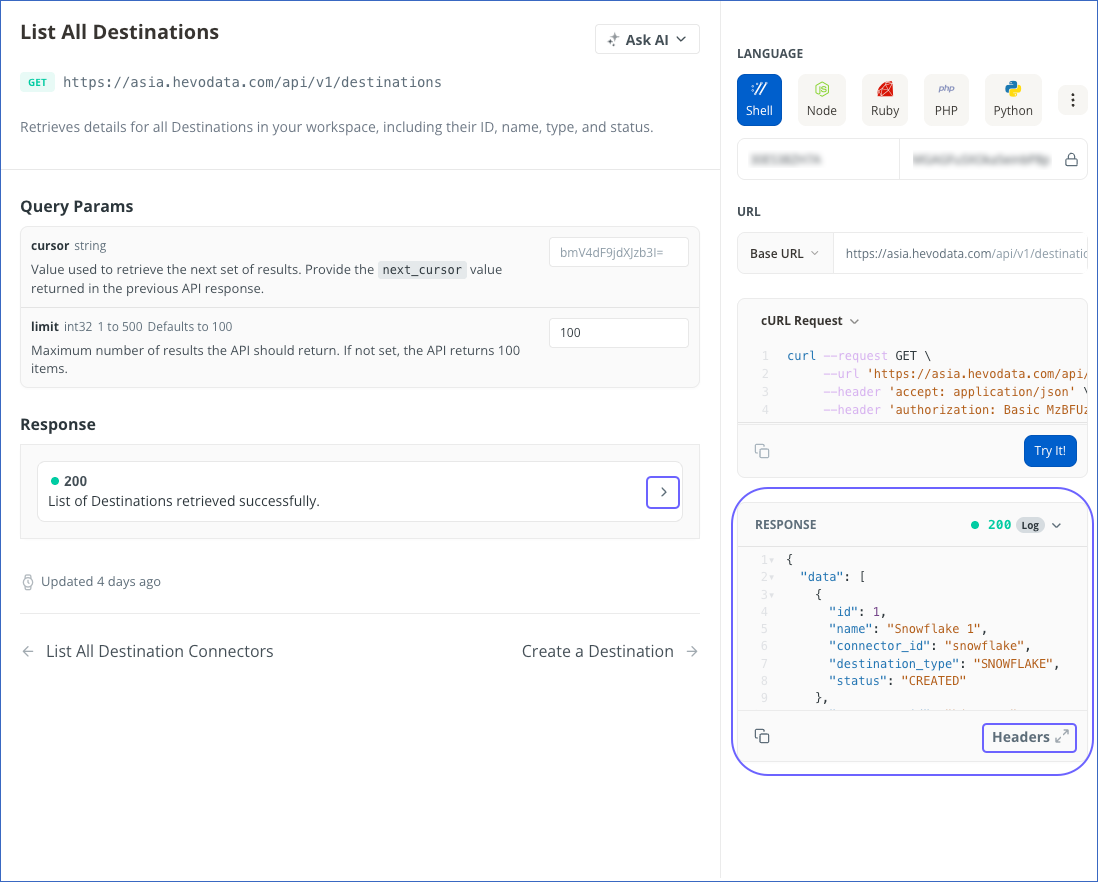
Click Headers at the bottom of the response to view the response headers.
Click the response code, 200, in the Response section to view the details of the parameters included in a standard, successful response. This action will display a sample response.